
Share on facebook
Share on twitter
Share on linkedin

How to remove the solvent tank, ITM02 maintenance kit and level sensor for the Domino A320 inkjet printer?

Table of Contents

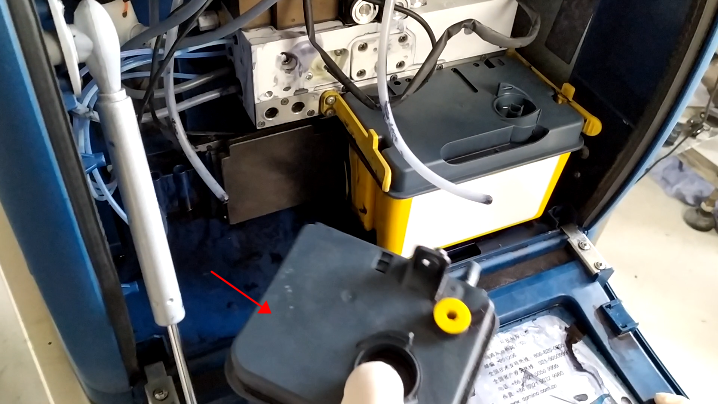
Let’s open the lid below, and we’ll first pull out the solvent box:
 

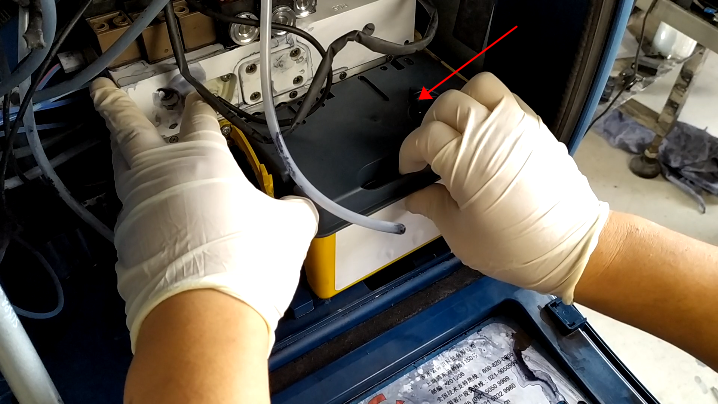
Then we unplug ITM02:
 

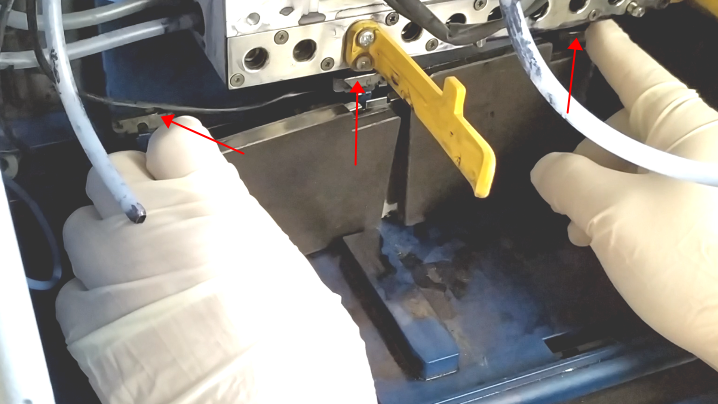
The level sensor has card slots, and we pull the slot up and the level sensor is removed:
 

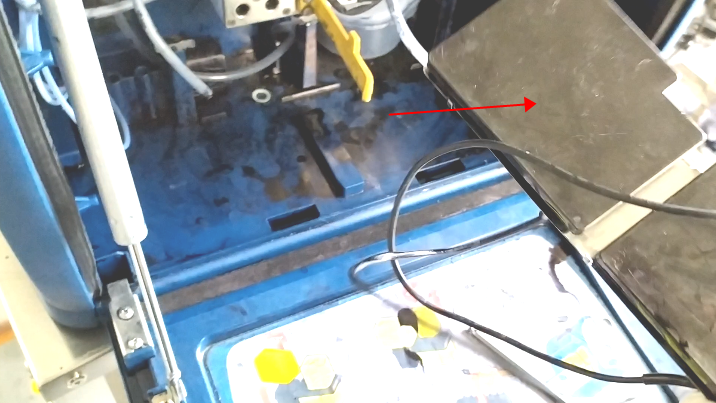
Then we unplug the line inserted into the machine and the level sensor is completely removed:
Leave a Comment

Your email address will not be published. Required fields are marked *

14 − 3 =

connect

We'd love to have your feedback on your experience so far
