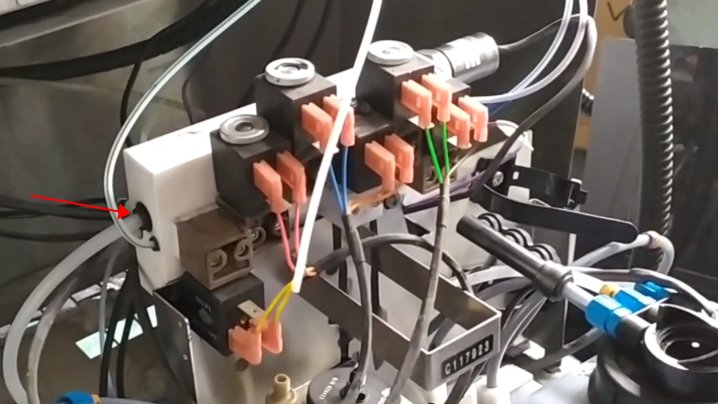
Install the six valves first:
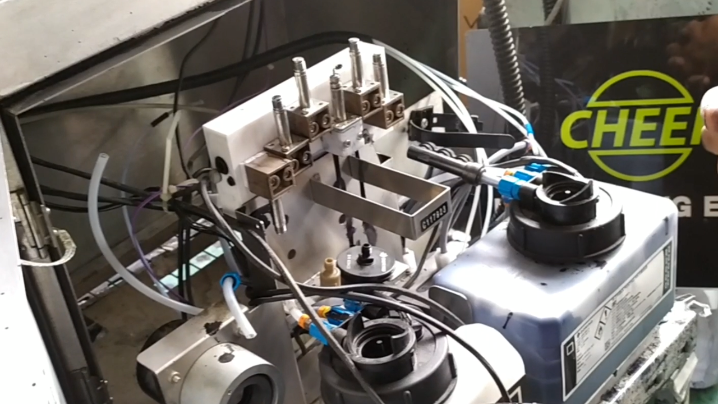
After installing the six valves, put the coils on the valves in order to cover, and then secure the fixed screws of the coils:
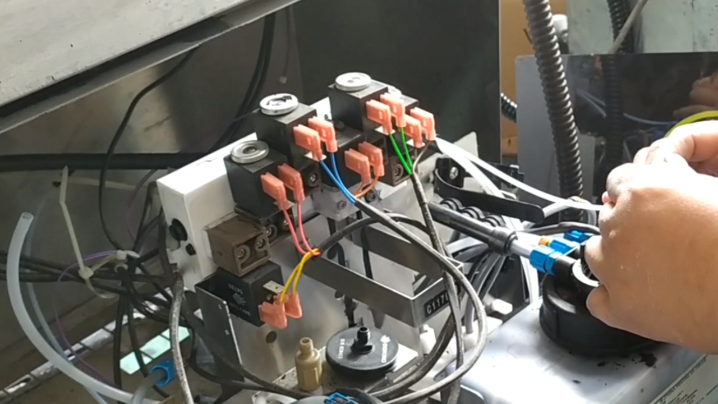
Then we’ll just plug this blue return tube in:
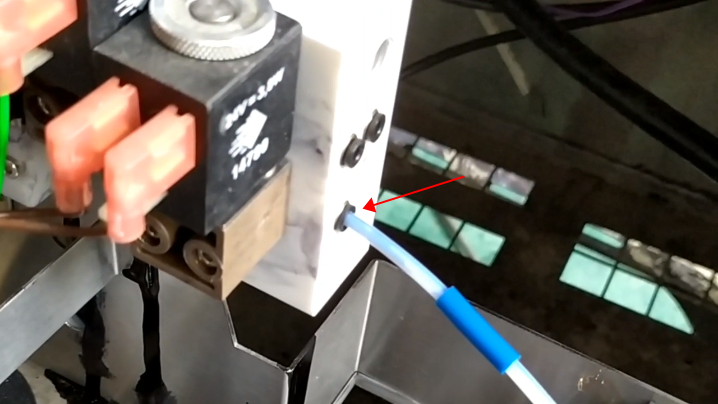
Then install the wire and tighten it:
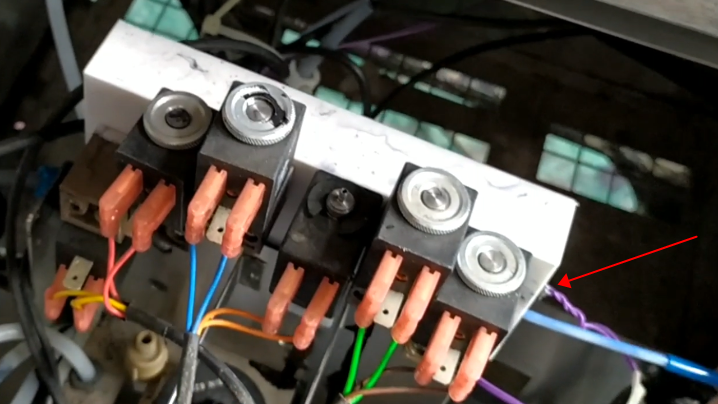
Then install the red tube:
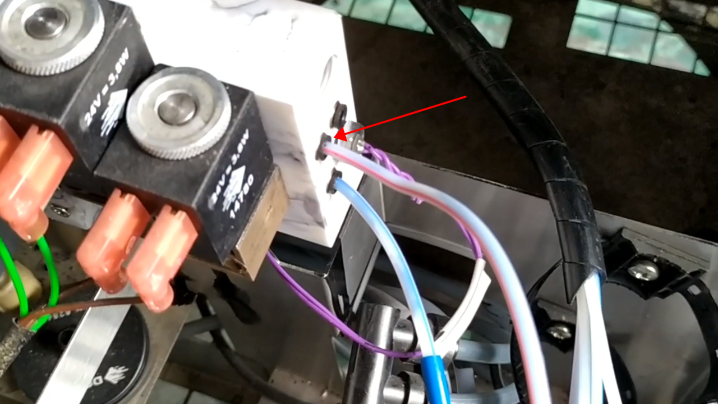
Insert the green tube into this hole:
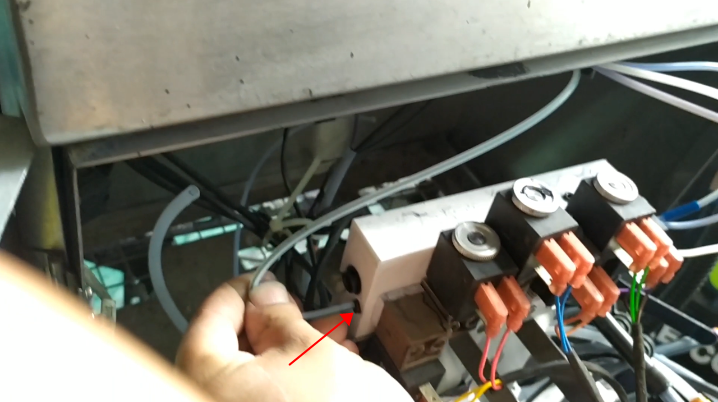
Then install the plug, tighten it slightly so that it doesn’t leak ink:
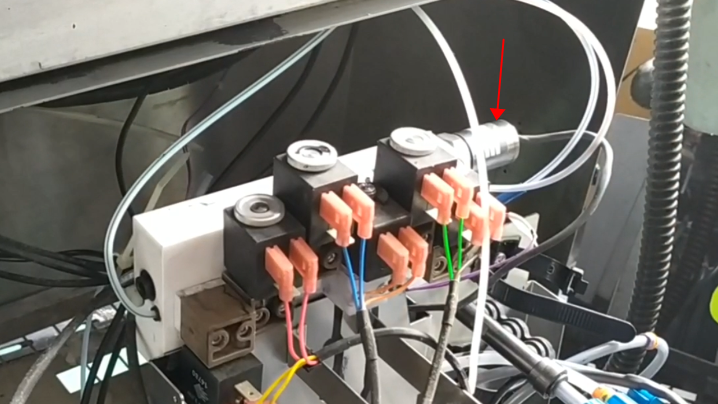
Then plug this thick tube in: