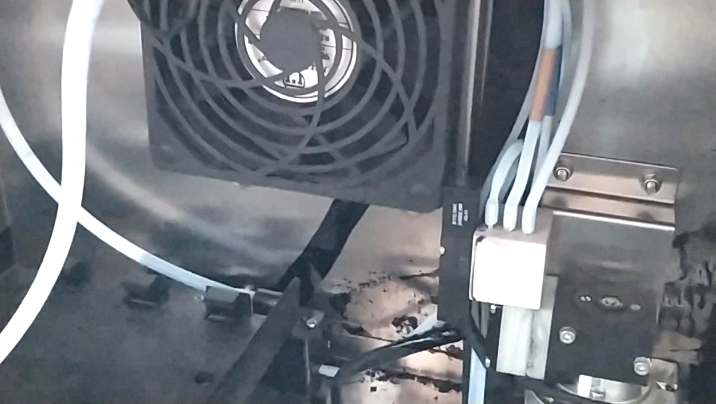
This is the recovery pump:
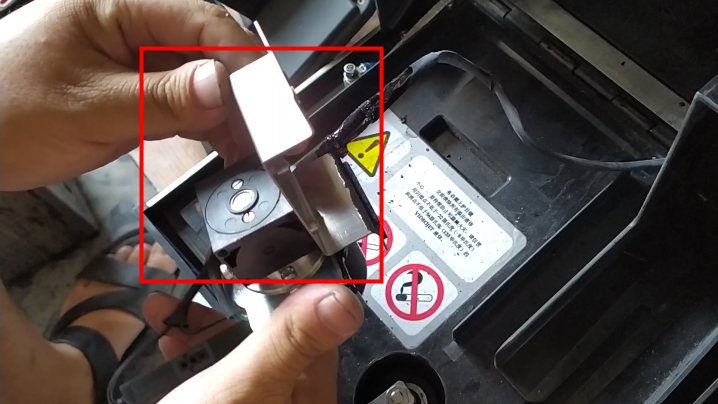
Let’s assemble the accessories for the recovery pump first:
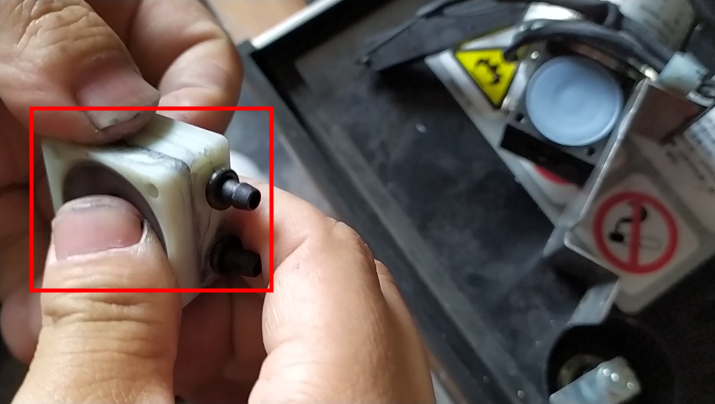
Let’s put it on top of the recycling pump and install the screws:
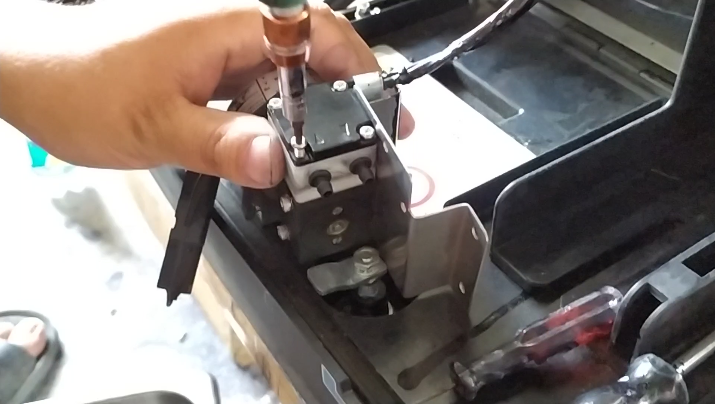
We installed the ink diversion block:
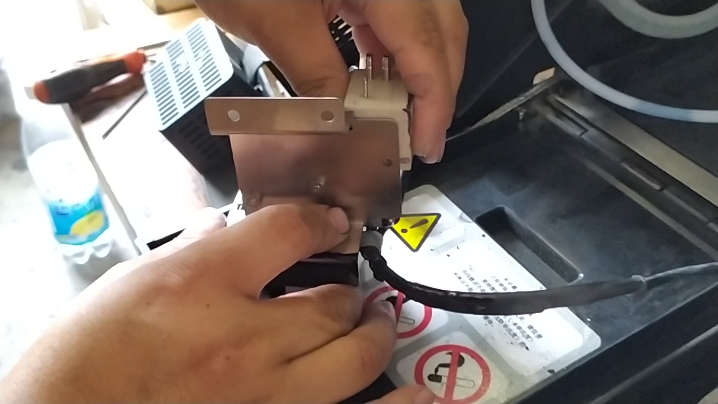
Then we install the screws on the side of it:
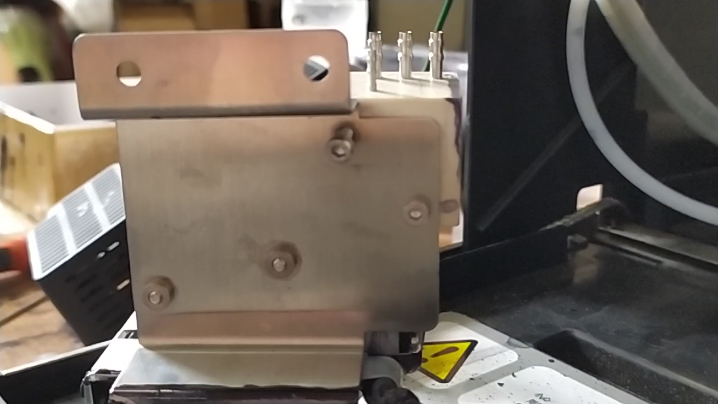
We install the solenoid valve on the recovery pump in this position:
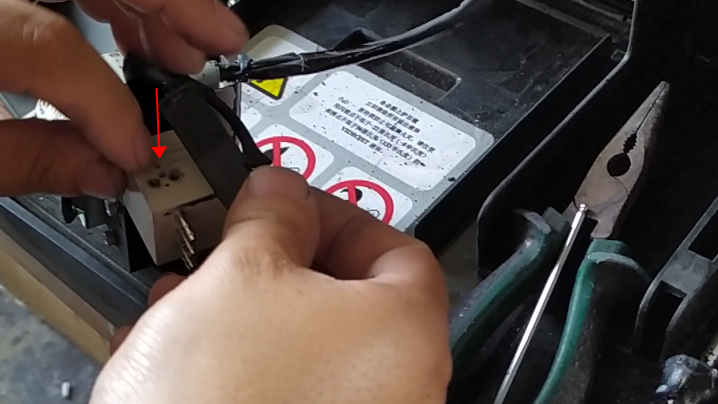
The recycling pump is installed:
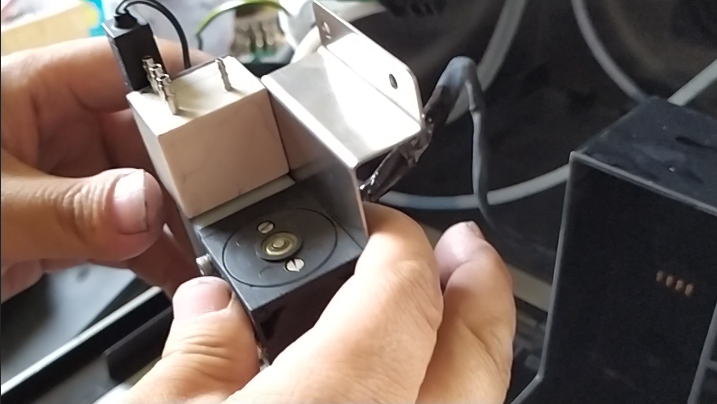
Then we install it in the machine,
Let’s put it here and install the two screws:
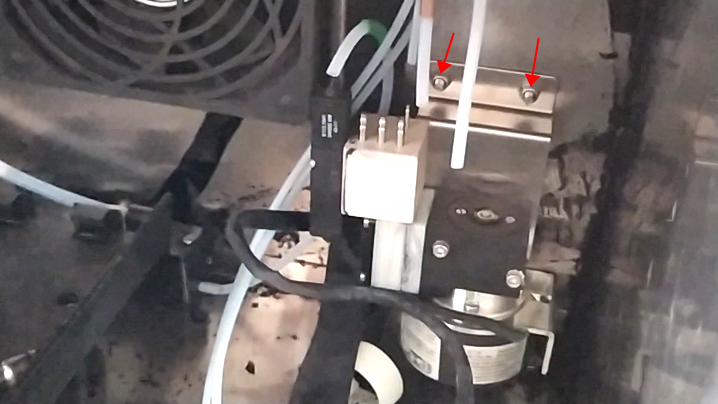
We are going to connect four tubes to the four interfaces of the recovery pump:
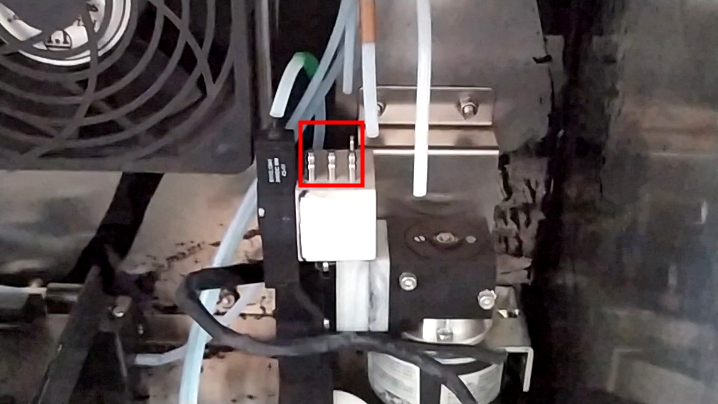
Let’s install the recycling tube first:
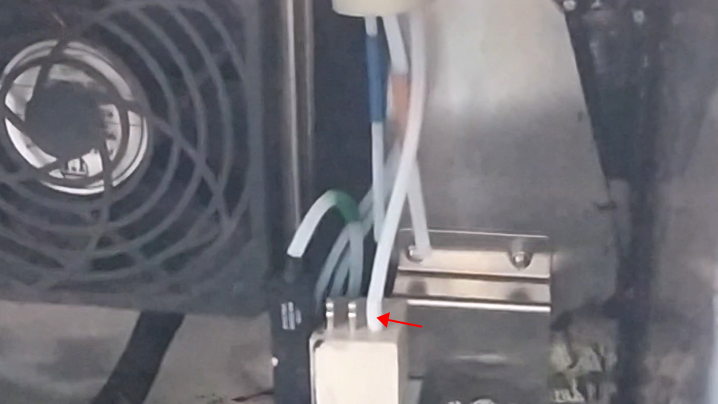
Then we install this blue cleaning tube and this orange tube:
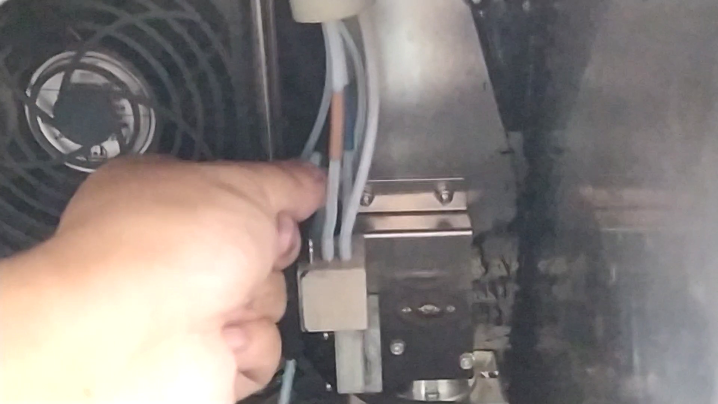
Let’s just install the exhaust pipe here:
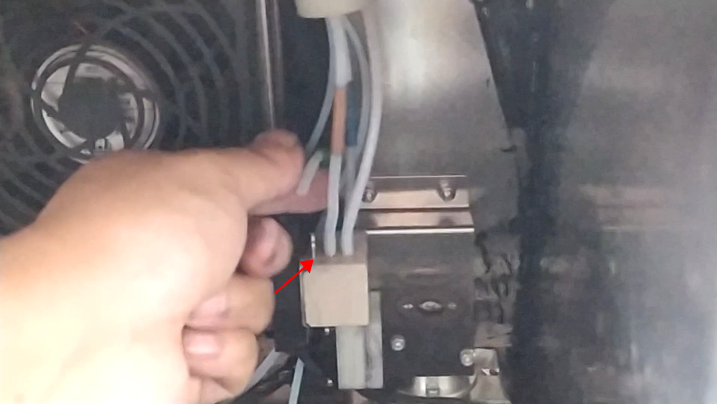
Pipes installation complete:
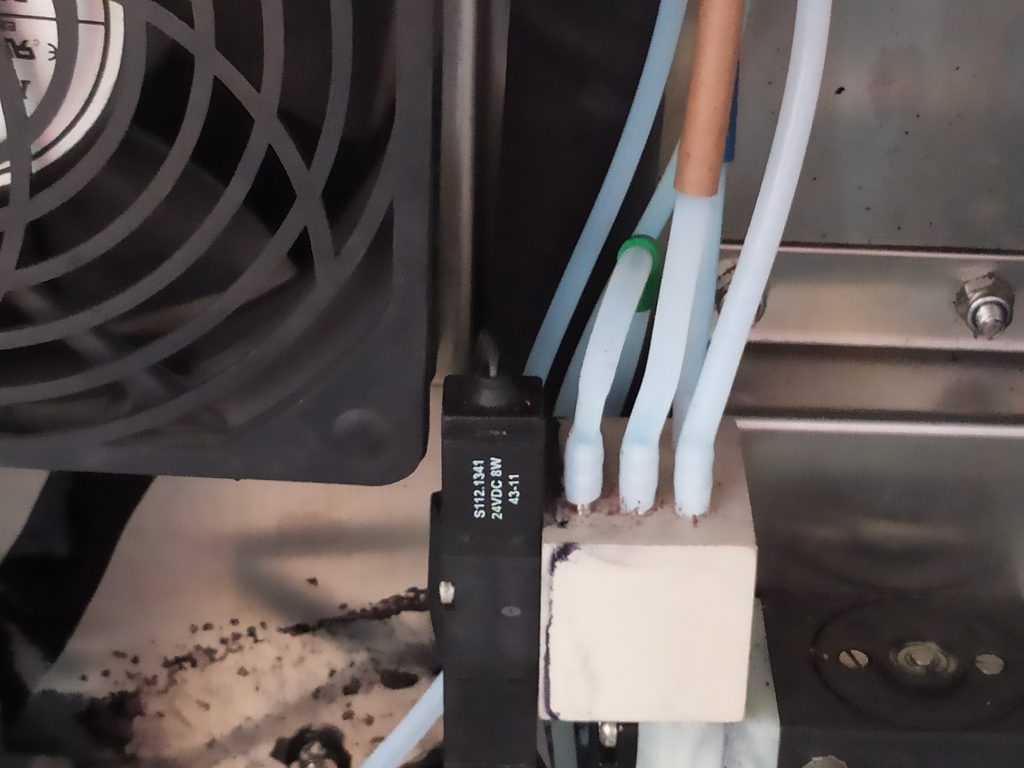
Then the installation of the pipe and the recovery pump is complete: