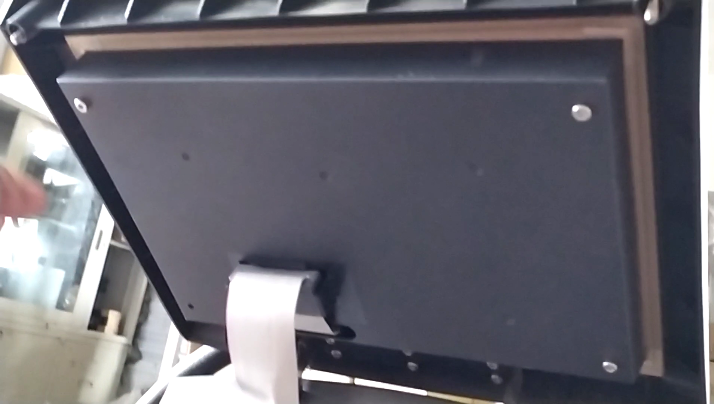
Then we install the PC board and the display, which are connected together:
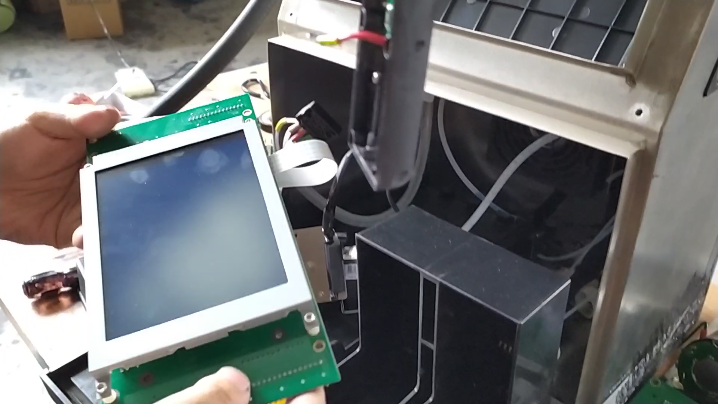
If the screen breaks down and we change it,
We just need to remove the whole PC board and display screen first, and then remove the four screws on it:
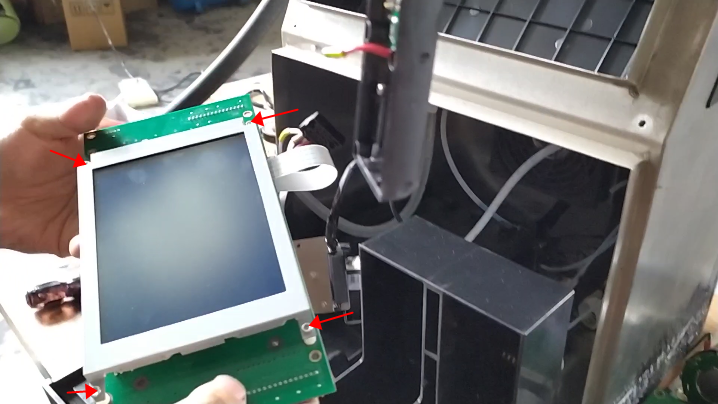
Then pull out the cable:
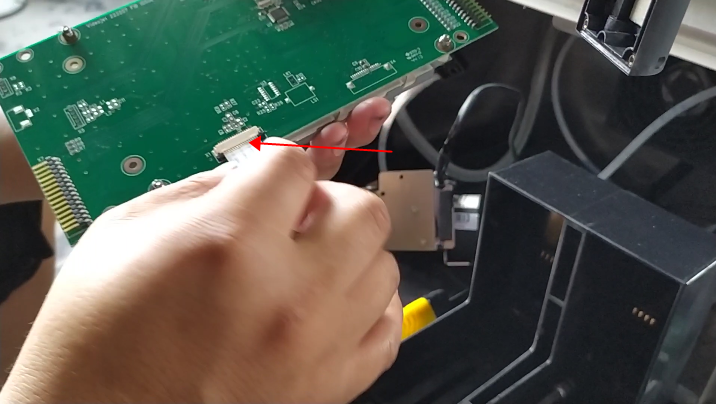
Then replace the new display, install the screws, and then plug the line in.
Now let’s see how to install it.
It can be divided into the reverse and the front. If you install it like this, it will be reversed:
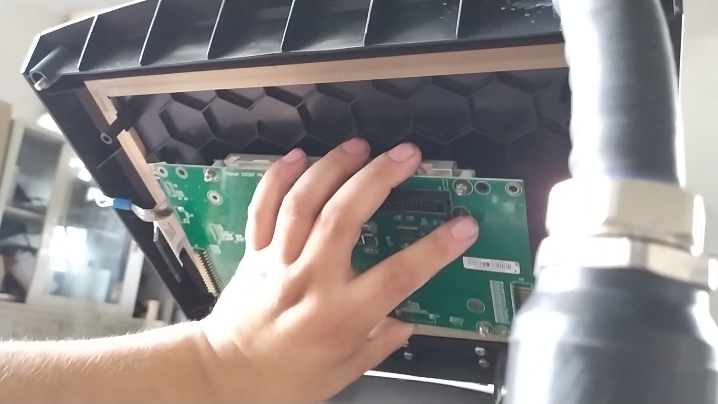
You see there are keyboard plugs on both sides, so it must be installed like this:
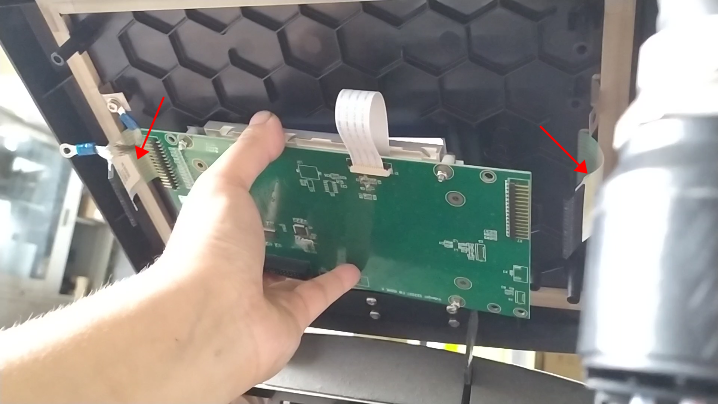
The location must be like this, otherwise the keyboard must not plug in.
After placing it, we install the screw and plug in the keyboard cables:
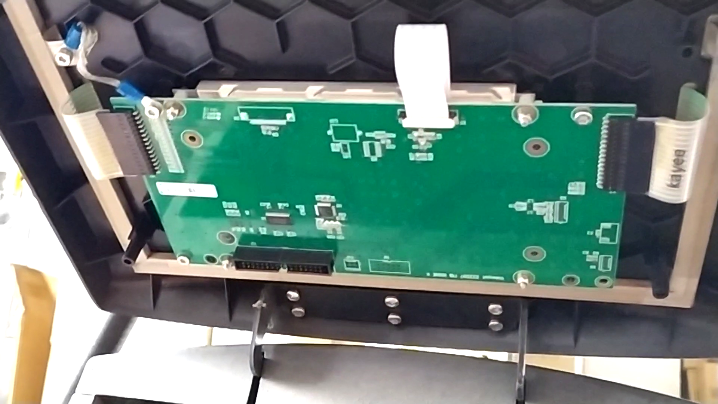
Then we install the cover:
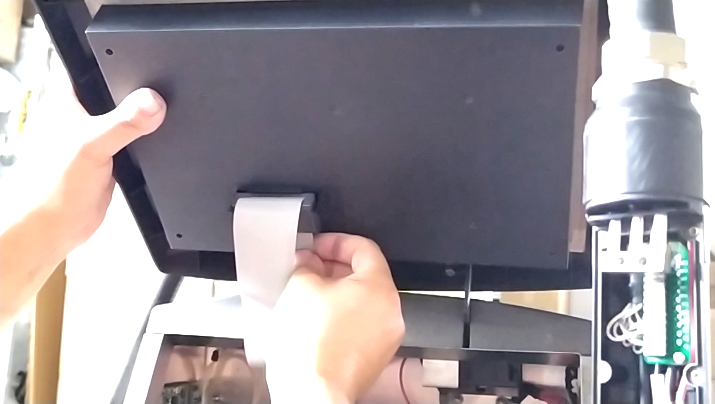
Install the screws:
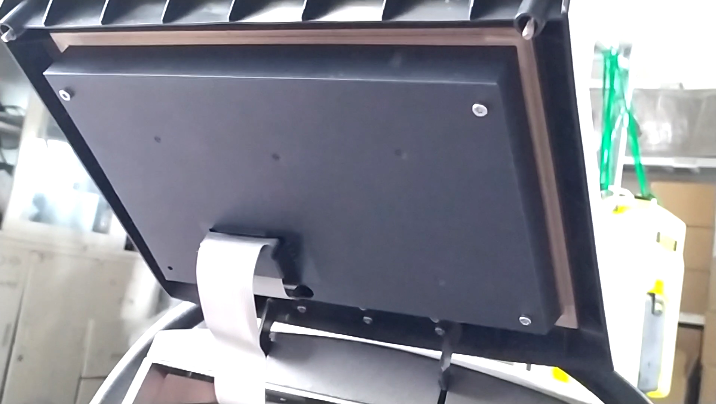
Then install it:
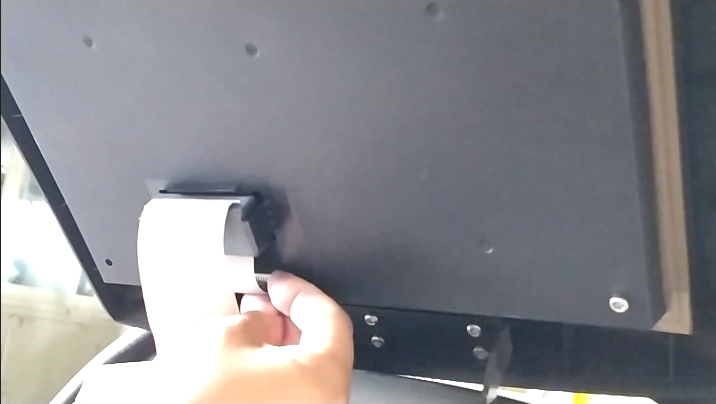
It’s installed: