

The adjustment ink line has two directions, one is to the left or right:
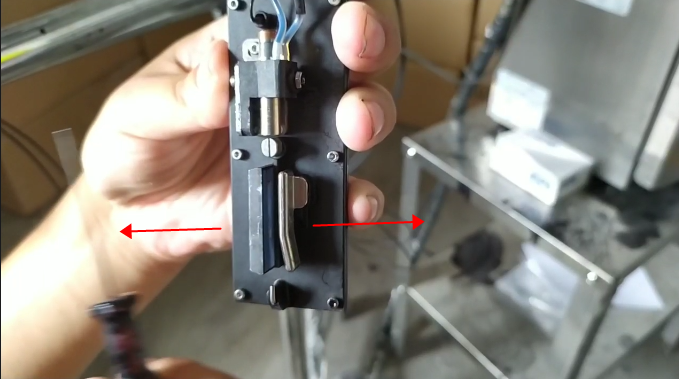
One is to adjust forward or backward:
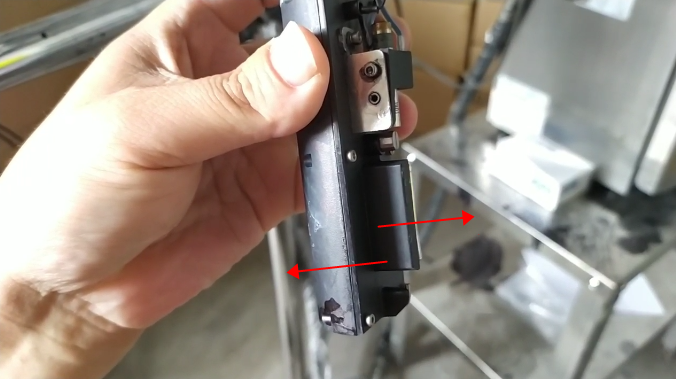
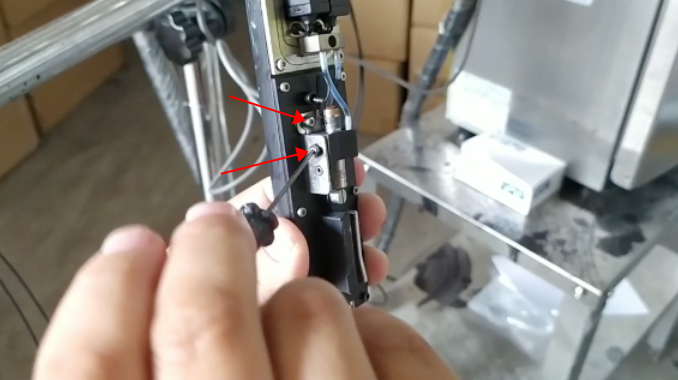
If we want to turn the ink thread forward or backward, we have to loosen the screw and loosen it half a circle:
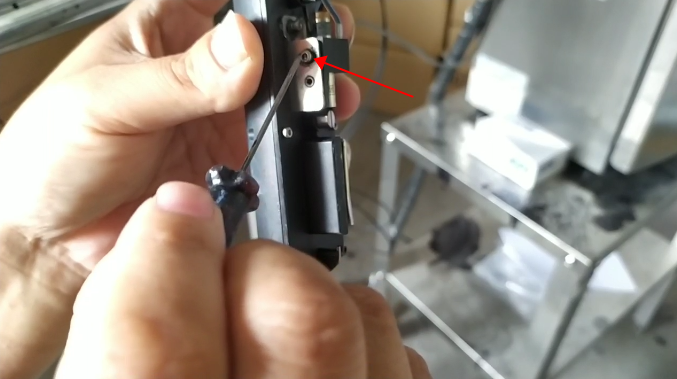
Then we adjust this screw:
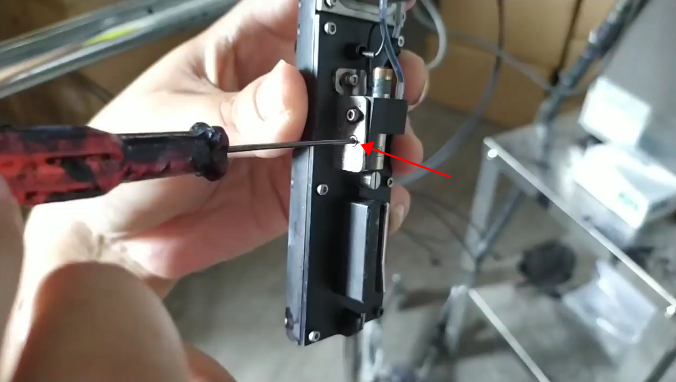
It will move here, the ink line will be adjusted, this is the front or back of the adjustment ink line:
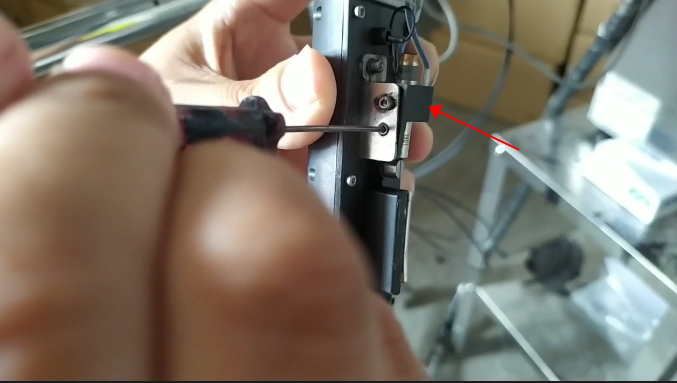
If we adjust the ink line to the left or right, we need to loosen this screw, loosen it half a circle or a circle:
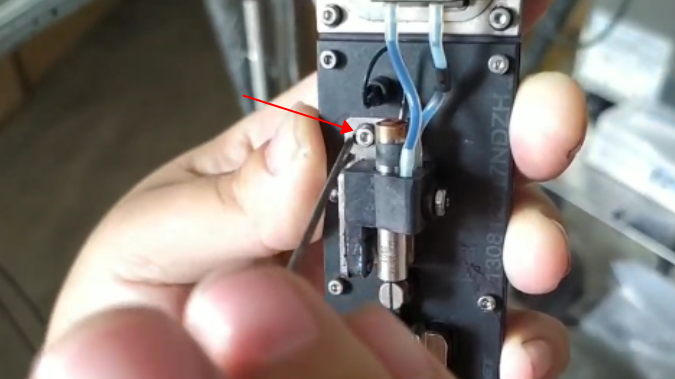
Then we tune this screw:
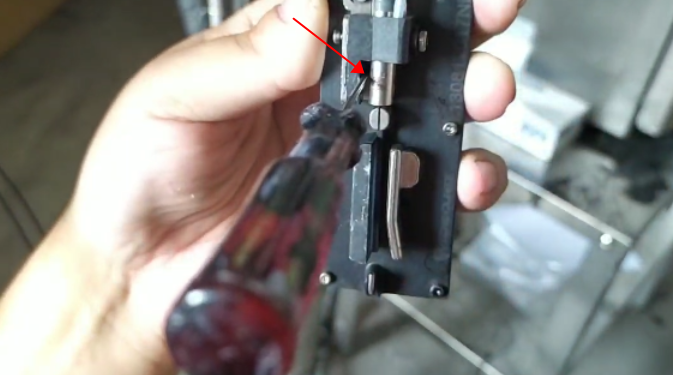
Here it will swing left or right, adjusting the ink line to the left or right:
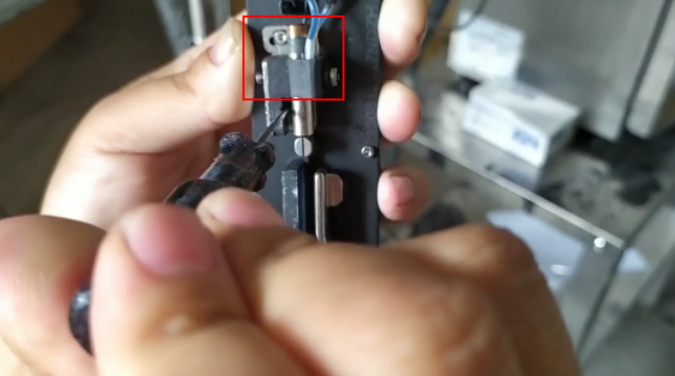
After we finish adjusting the ink line, then we tighten the fixing screws:
Be sure to make sure that the ink line reaches the correct position of the recycling tank.
