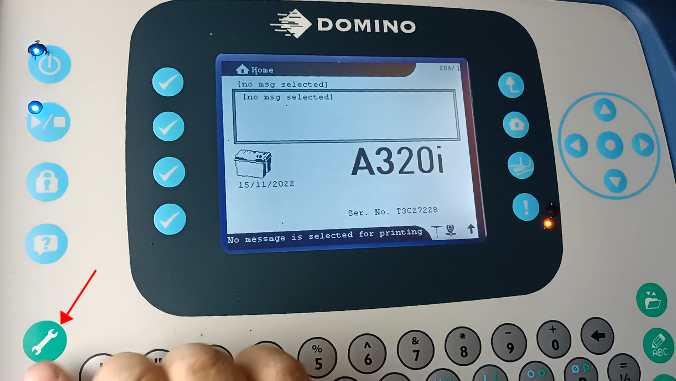
On the main interface, we press the wrench key:
Then press this folder key:
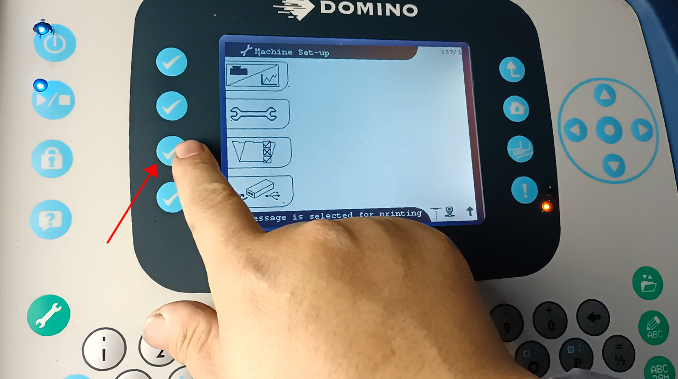
Then let’s press this key:
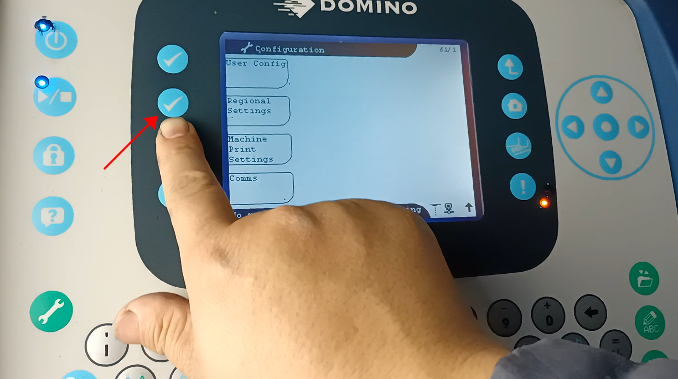
There is a prompt language option, select it:
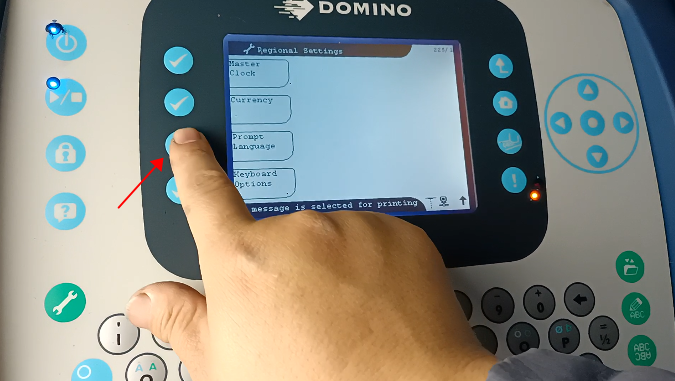
Then press the down arrow, look down, and find the language we need:
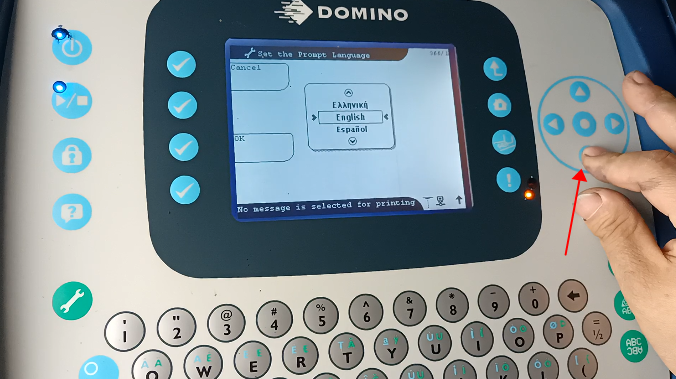
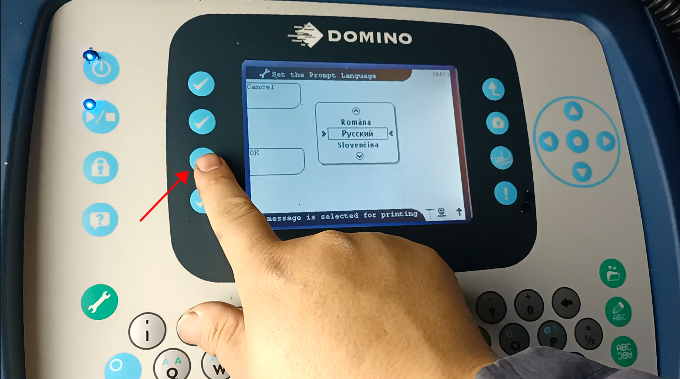
Find Russian, select it, and click OK to switch the language to Russian: