

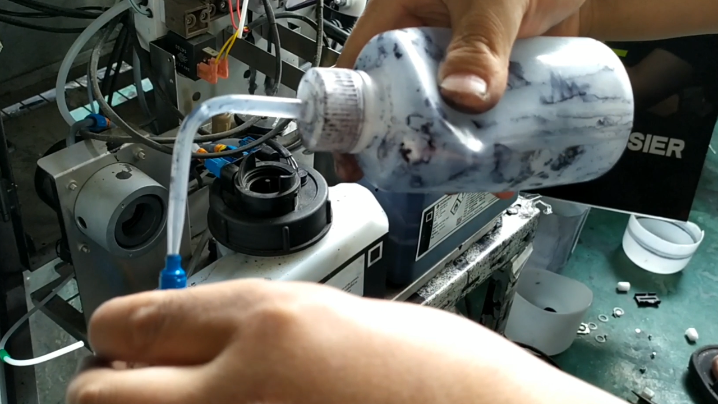
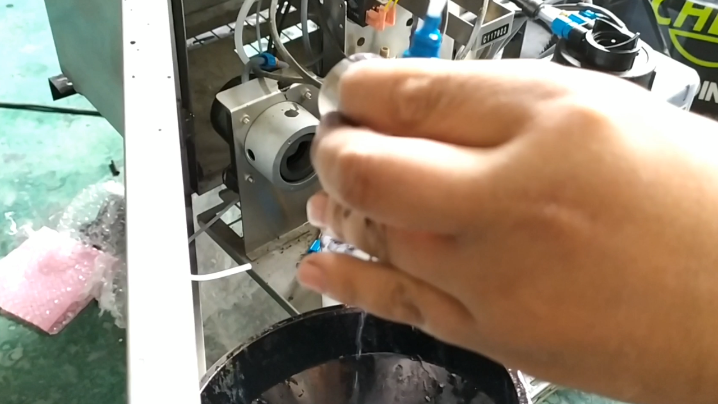
Just blow from above and there will be cleaning fluid down below it, indicating that the pump is clear:
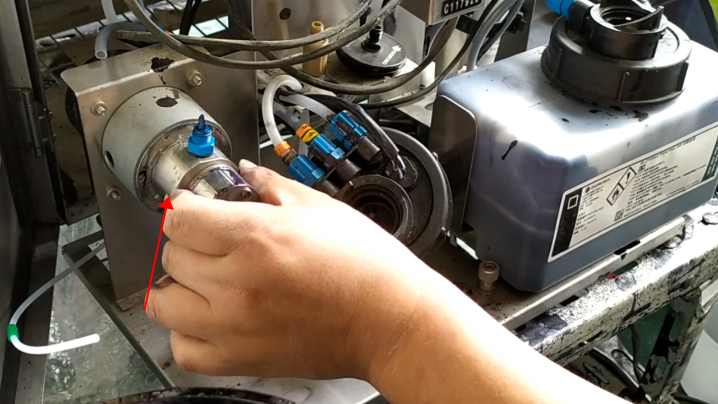
Then install the pump, and then install the fixing screws, the pump is installed:
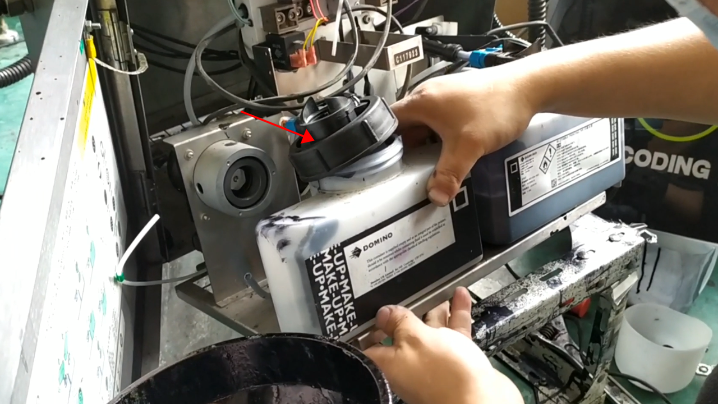
Let’s take the lid off the solvent bottle:
Loosen the screws below:
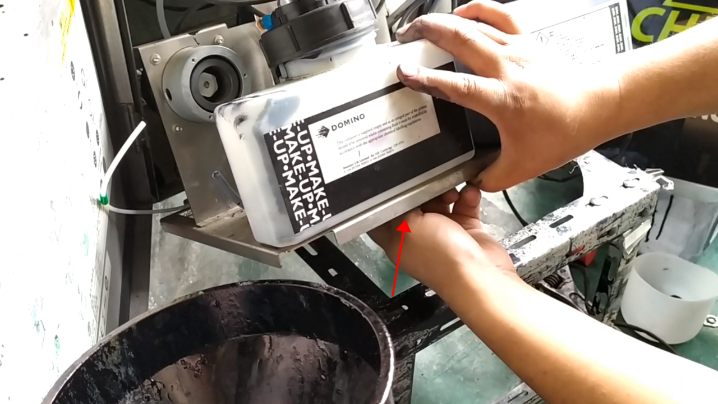
Take the bottle off:
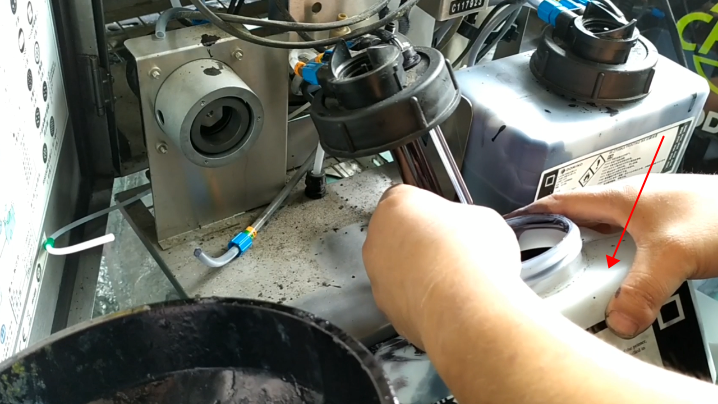
Then unscrew the solvent level sensor:
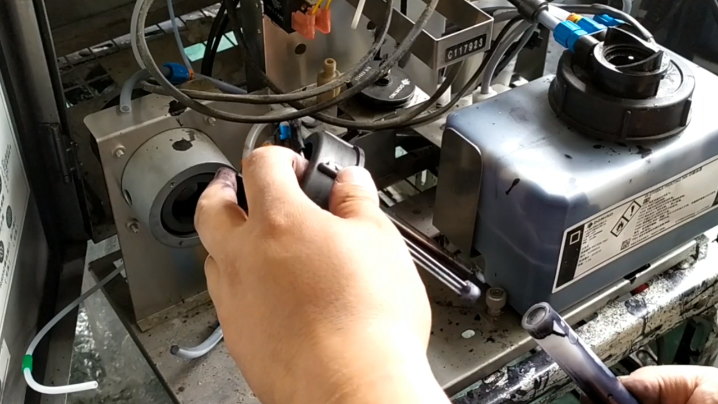
If you replace it, find a new one and install it like this:
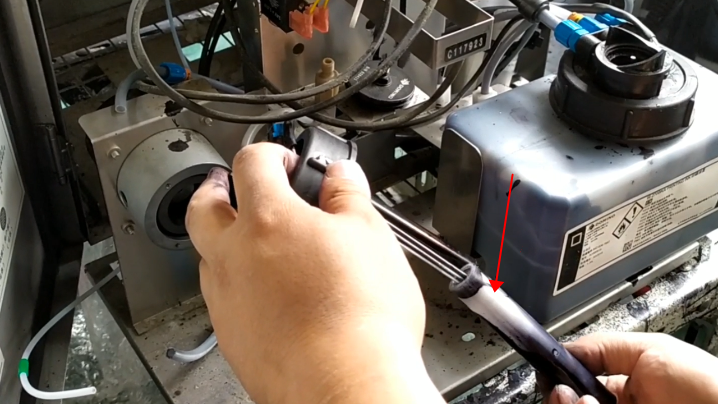
The same is true for ink level sensor.
