

I’ll talk about how this machine supplies ink, that is, how to supply ink after the original ink has been discharged.
This is a solvent bottle with 500ml of solvent inside:
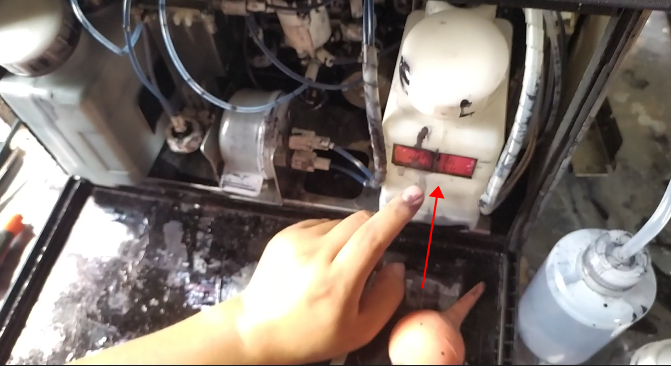
Then pour more than 500 ml of ink into the ink bottle:
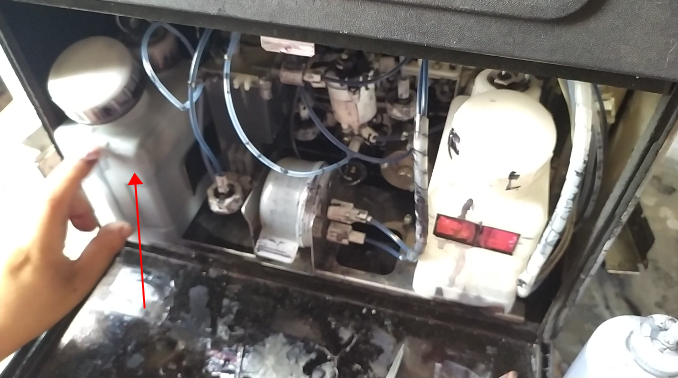
Then we go to the main directory, click “Maintenance Operation”, then click “Cycle Control”, then click on the next page, select “Ink In” and then click Execute.
After about 4 minutes, the ink will fill the mixing cylinder.
Look at the machine draining ink. First we spin the recycling tube down, then we put it in an empty bottle:
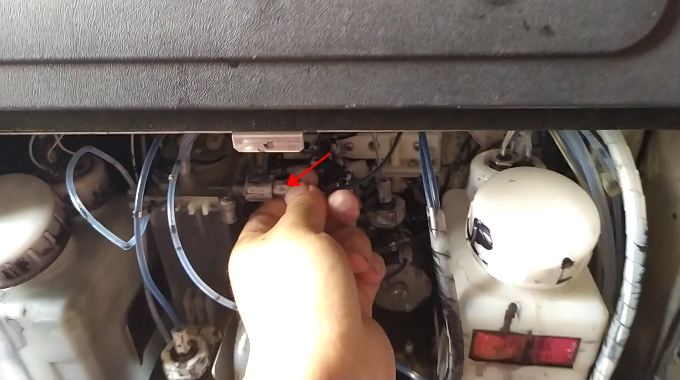
Then we select Discard Ink, and then click Execute.
It is also executed for 4 minutes, when the ink is completely discharged, the mixing cylinder has been completely empty, and then we install the recycling tube back.
