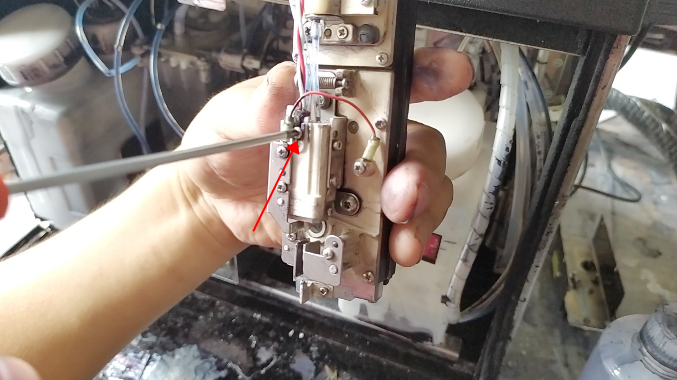
How do we adjust the ink wire to the left or right, we first need to loosen this screw:
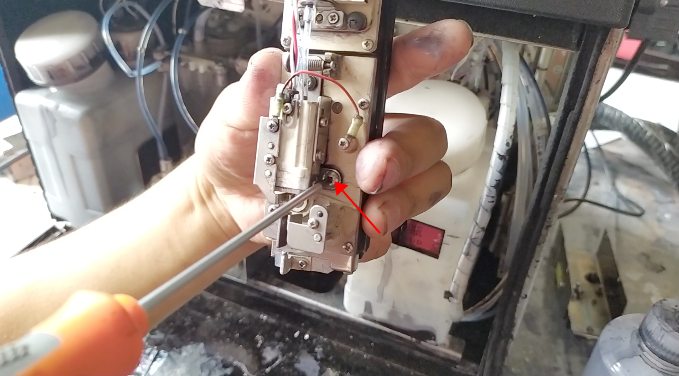
Then loosen the screw:
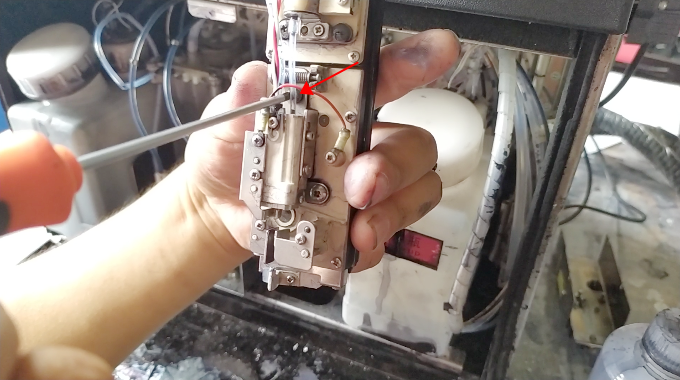
Then we adjust the screw:
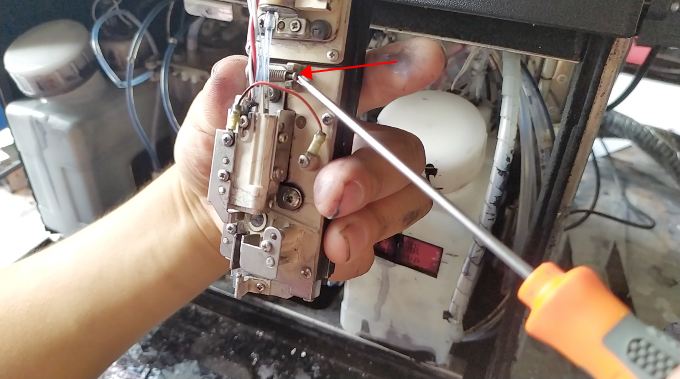
When the left and right directions of the ink line are adjusted, then we fix the screw:
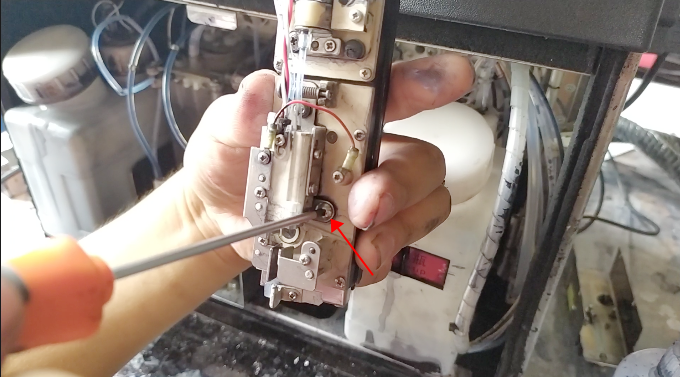
Then fix the screw:
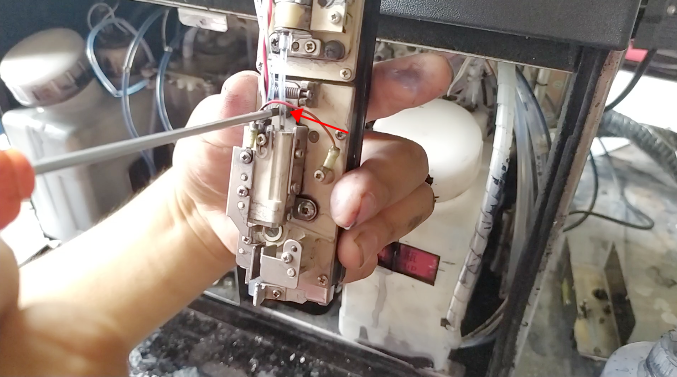
That’s all right.
Then if you want to adjust the ink line up or down, we are loose this screw:
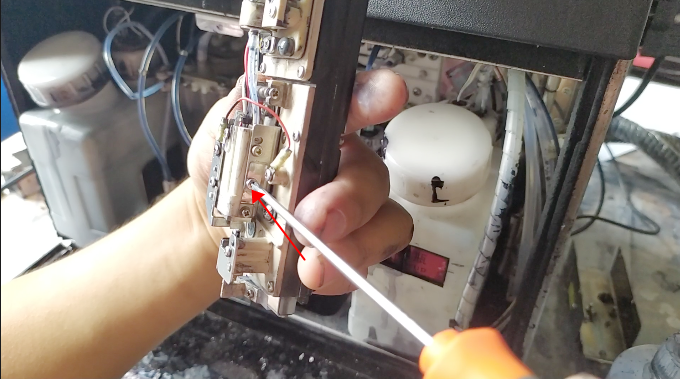
Then also loose this screw:
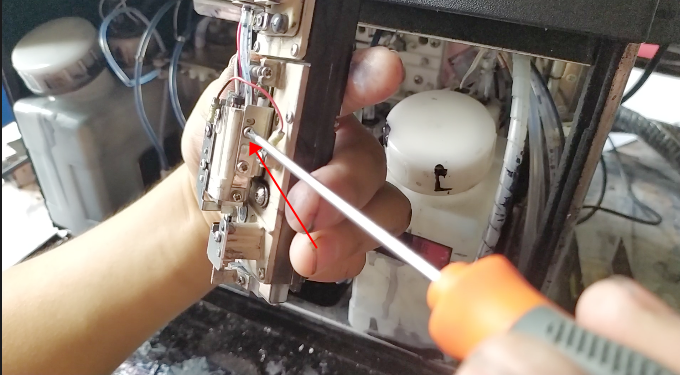
Then adjust the screw, clockwise or counterclockwise, and the ink wire is pressed inward or outward to adjust its front and back: