

We look at the installation of solenoid valve, installation to see if the solenoid valve washers are missing, must not be missing, otherwise it will leak ink:
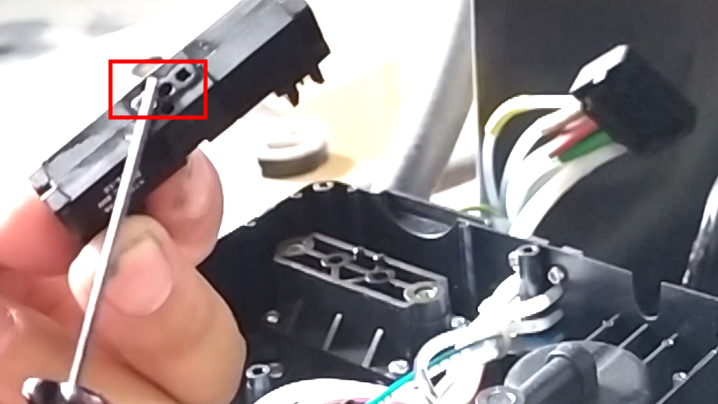
Three sets of solenoid valves are already installed:
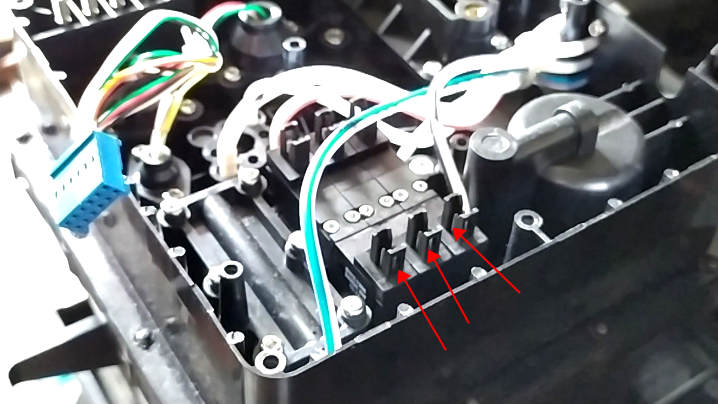
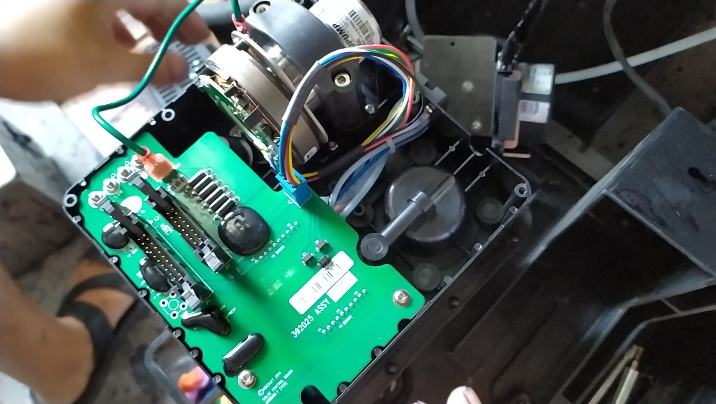
Then we install the ink core board,
When installing the ink core board, we plug in the cable below:
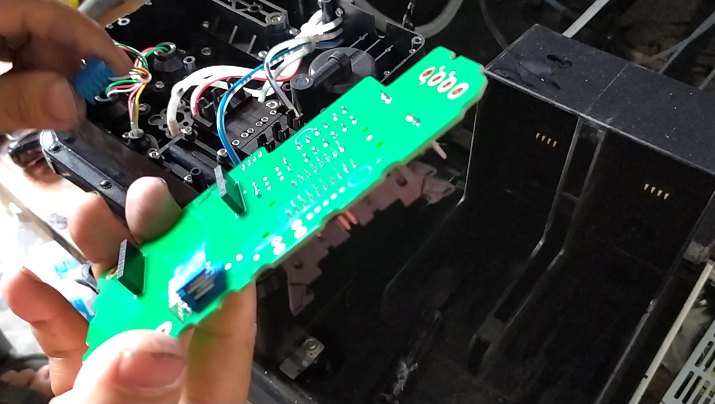
After inserting the wire, we pressed the ink core plate down:
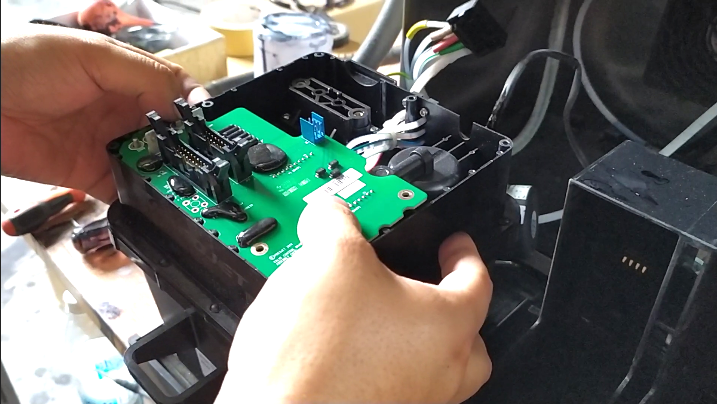
After pressing it down, there are four screws on this side that we’ll install on it:
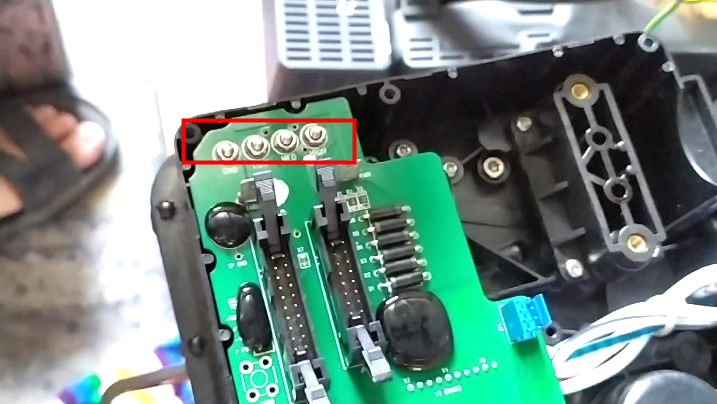
Then install the two screws:
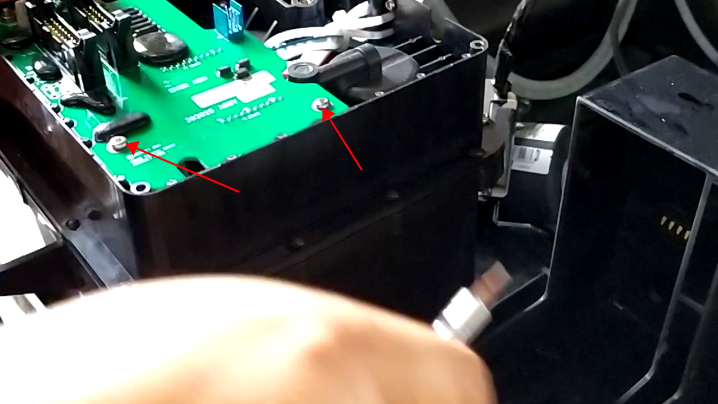
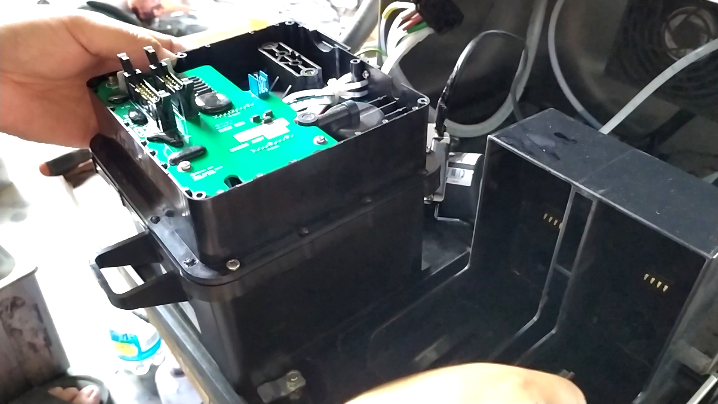
The ink core plate has been installed:
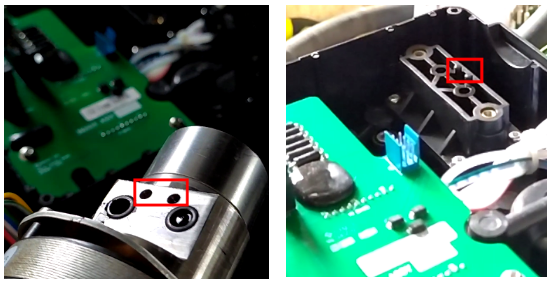
Then we install the pressure pump above, and be careful of these two holes when installing them, which correspond to the two columns:
Then we plug in its lines:
The ink core is assembled and set aside before we connect it to the machine.
