
Share on facebook
Share on twitter
Share on linkedin

How to disassemble the screen of Imaje 9232/9410/ 9450 inkjet printer?

Table of Contents

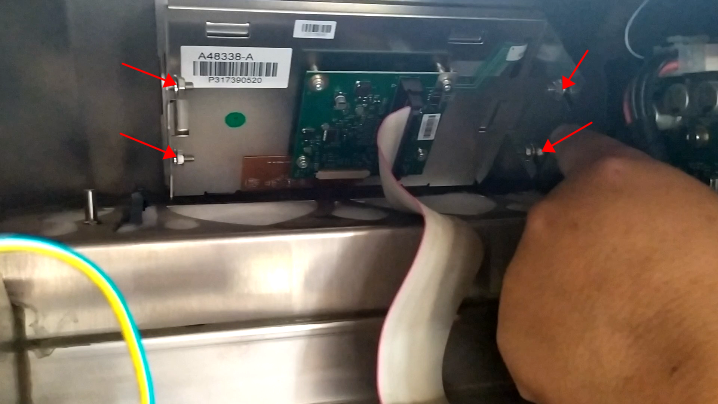
If we’re going to take it down, we’re going to have to take the four screws off first:
 

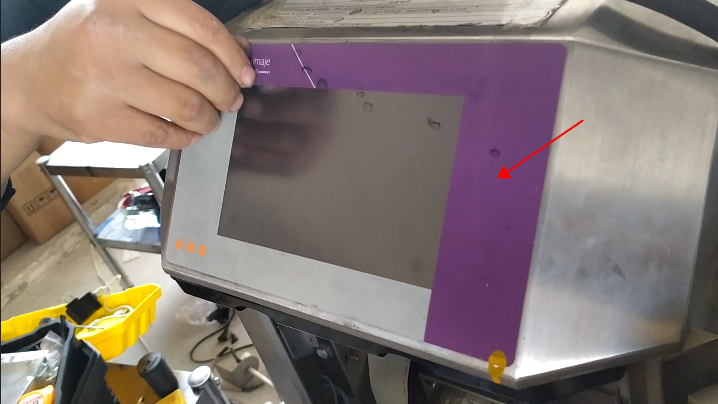
Then take off the front and loosen it:
 

Push the screen from behind and it can be taken off:
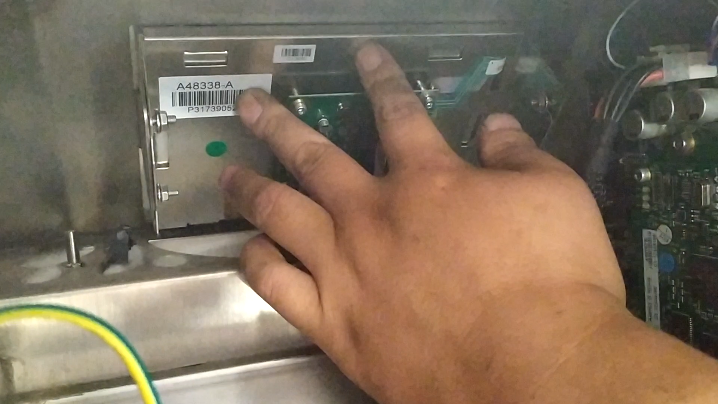
 

That is to say, if we want to remove this, the front panel needs to be removed, otherwise we can’t push it from the back.

Leave a Comment

Your email address will not be published. Required fields are marked *

3 × 3 =

connect

We'd love to have your feedback on your experience so far