
Share on facebook
Share on twitter
Share on linkedin

How to remove and install the high-voltage deflector of the IMAJE 9232/9410/9450 inkjet printer?

Table of Contents

Remove these two screws and be careful not to lose them:
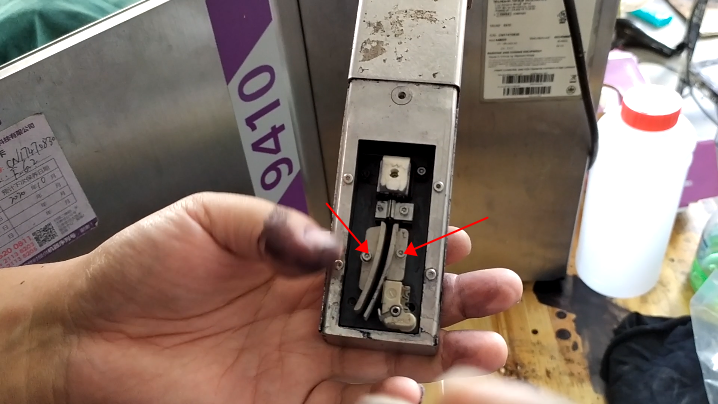
 

When installing, put the high-pressure deflector on one side first, and then install the screw:
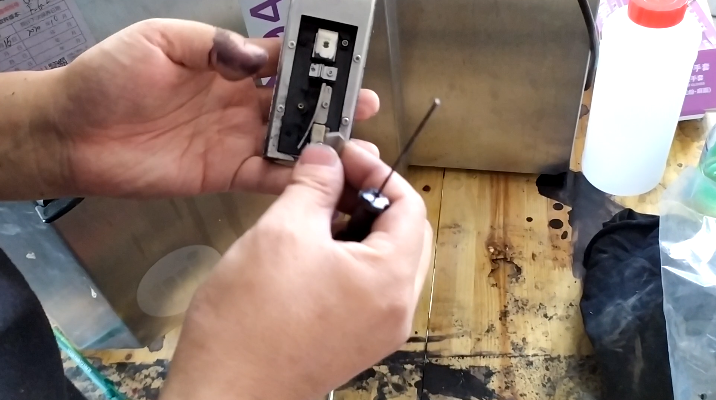
 

Install the high-pressure deflector on the other side:
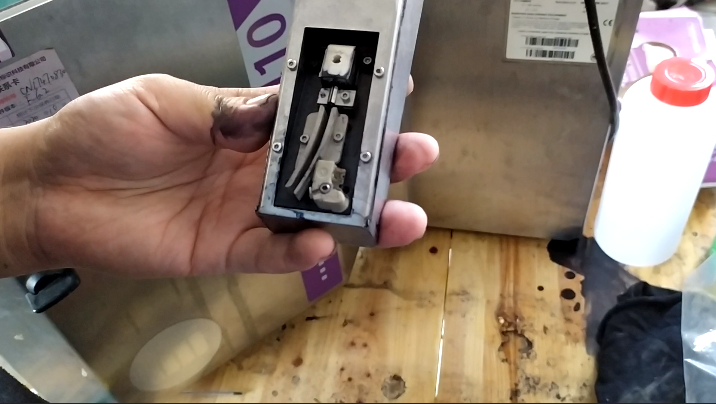
High-pressure deflector should not be installed the opposite, its two screws must be tightened.

Leave a Comment

Your email address will not be published. Required fields are marked *

12 + 8 =

connect

We'd love to have your feedback on your experience so far