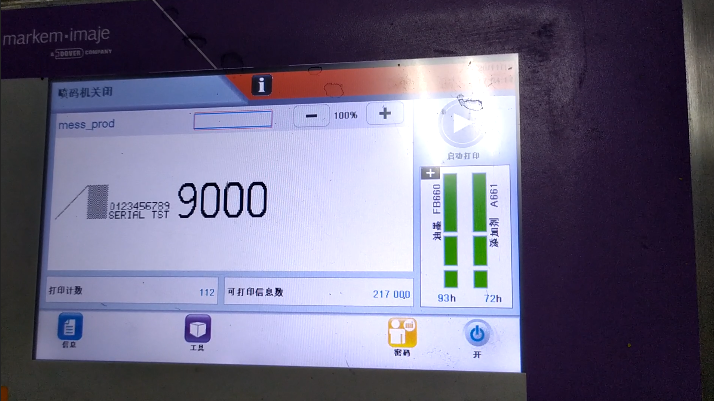
We click on Password:
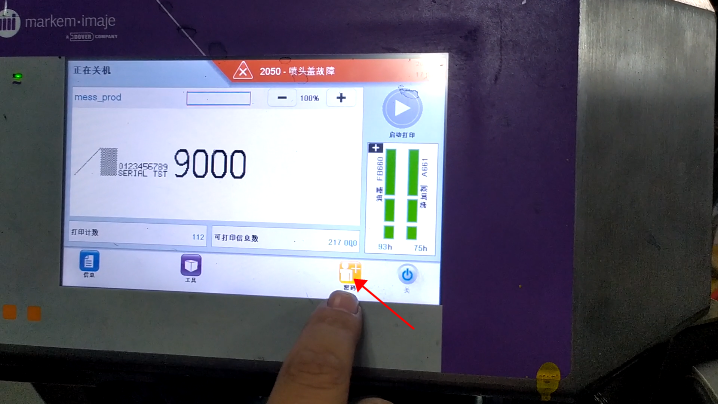
Then we must hold down this advanced password button for more than three seconds, and release it:
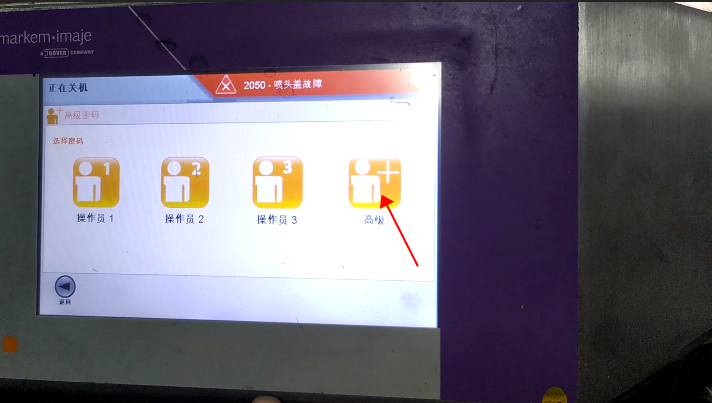
Then we enter the current password:
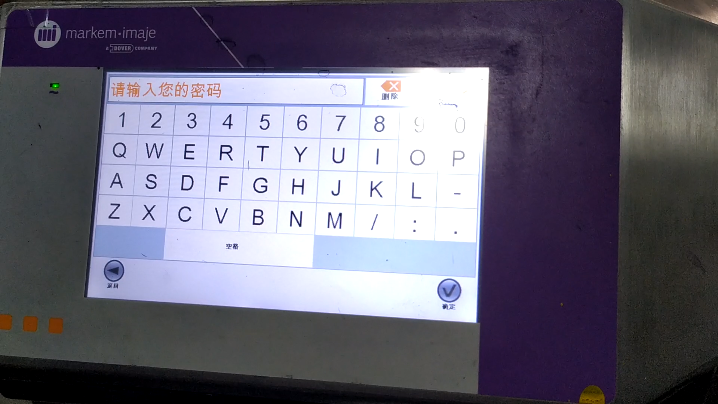
The current password is the password for this date:
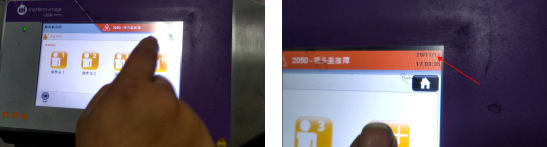
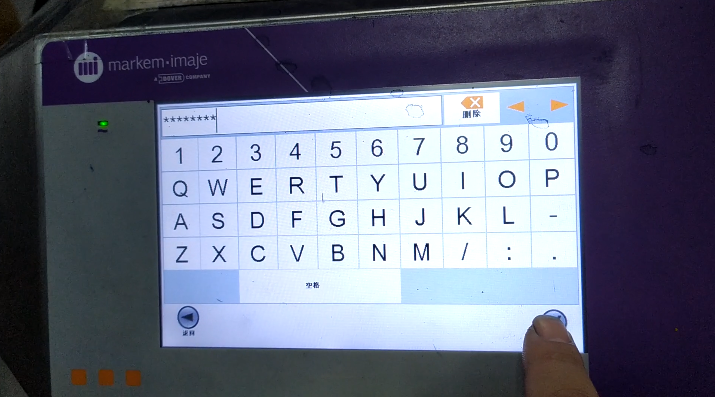
Then we enter the advanced password and click OK:
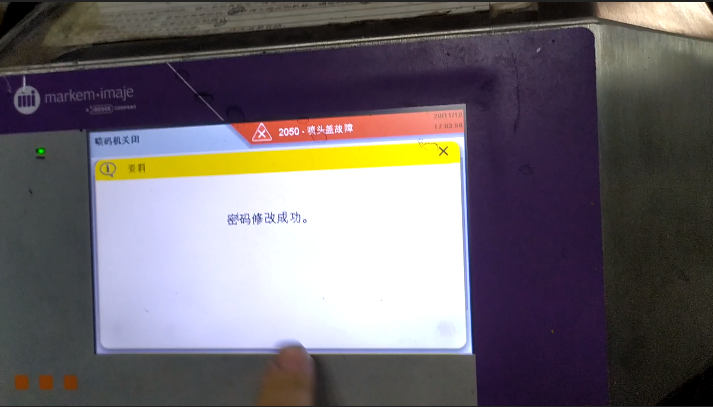
“Password modification successfully” appears on the screen:
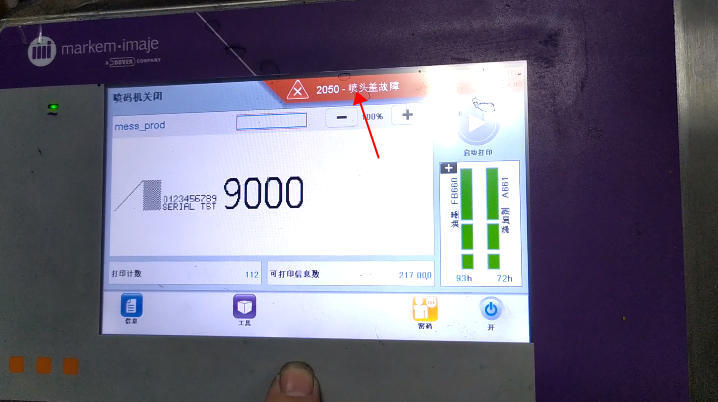
In this case, let’s click on this fault:
There’s a “Clear All” button here, and we can click on it:
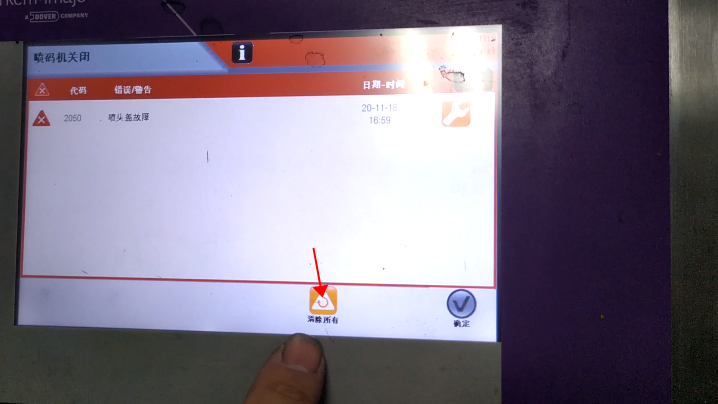
This fault has been cleared: